


Leaderboard
-
Jarek
Members1Points3Posts

Popular Content
Showing content with the highest reputation on 06/13/2023 in Posts
-
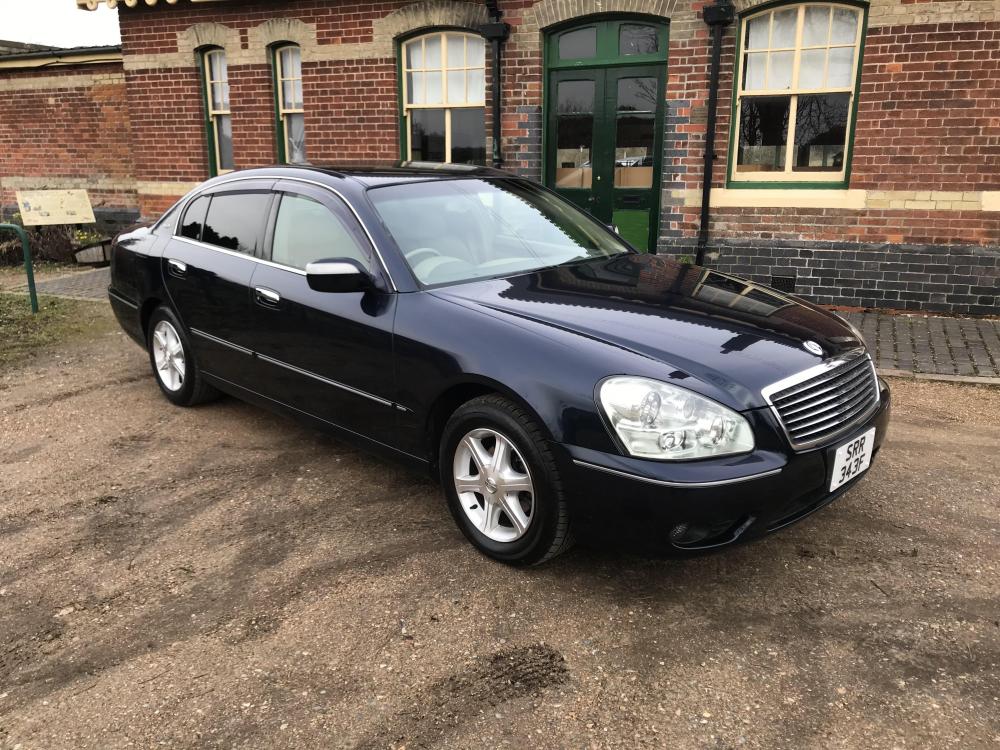
1 pointhi I a;ready bought 2 adapters - for radio and for TV but where to install them? no idea where tv and radio amplifier are ..8-) atm has changed some things.. on the bonnet is the "proper" emblem - not lying but standing- and I should finish - maybe today adding a SECOND sound system with modern radio and another set of speakers. Because inside is a very complicated Bosse system and no1 in Bristol wanted to work with my Nissan I decided to put inside the second system..So I will have all the modern tools like Bloototh, wi-fi and of course Uk radio with normal frequency. I will post some pictures when I finish it completely and here are the pictures

 1 point


