Jump to content
View in the app

A better way to browse. Learn more.

Nissan Owners Club - Nissan Forums

A full-screen app on your home screen with push notifications, badges and more.

To install this app on iOS and iPadOS
  1. Tap the Share icon in Safari
  2. Scroll the menu and tap Add to Home Screen.
  3. Tap Add in the top-right corner.
To install this app on Android
  1. Tap the 3-dot menu (⋮) in the top-right corner of the browser.
  2. Tap Add to Home screen or Install app.
  3. Confirm by tapping Install.

Leaderboard

Popular Content

Showing content with the highest reputation on 04/22/2022 in all areas

  1. 1 point
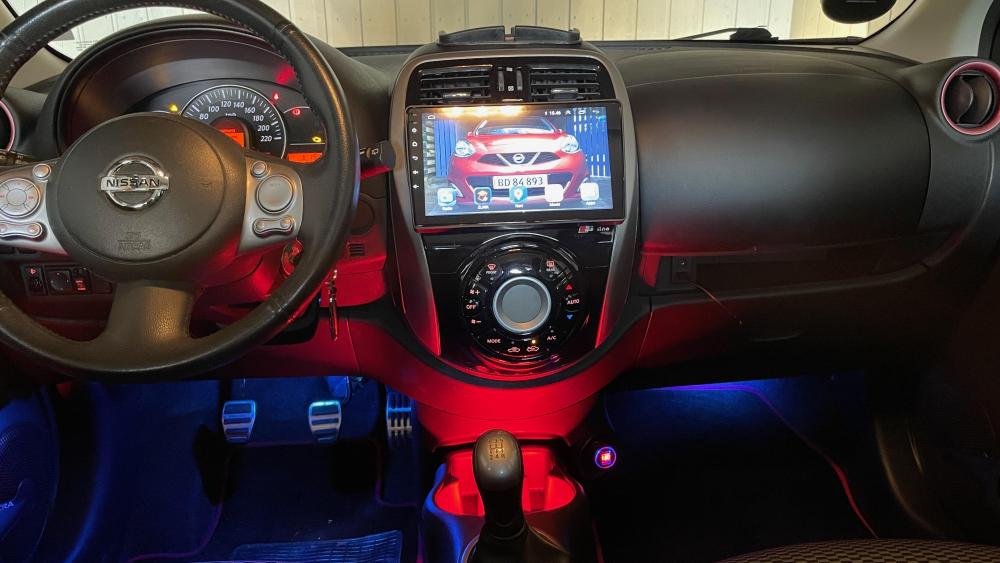
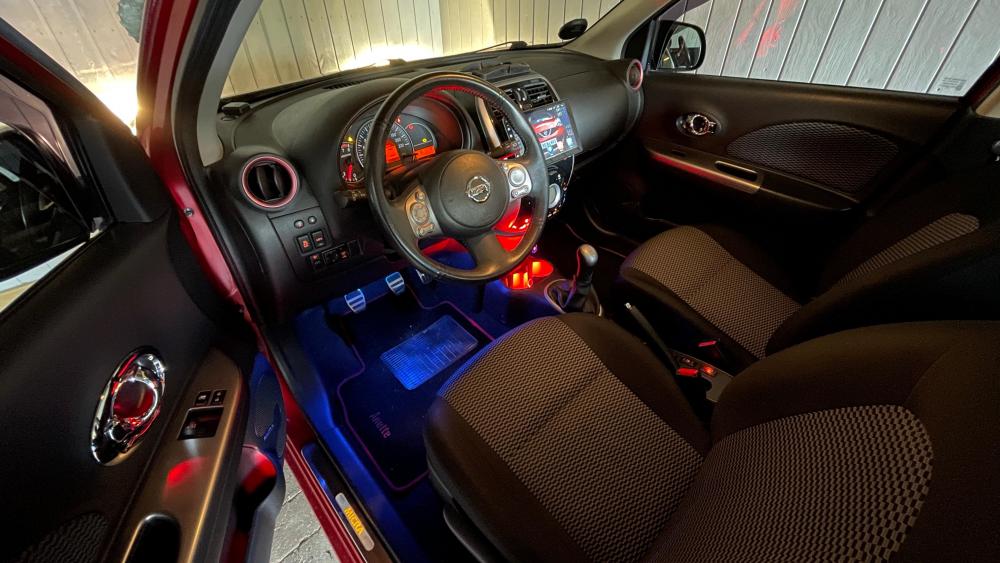
    Hi everyone, greetings from Denmark and thanks for membership. I´m here for tips and tricks, hope I can get some and give some. My car is a Micra K13 facelift
  2. 1 point
    told by nissan secure code is due to wrong code being put in radio quoted me £100 to remove then thay send it to france 6-8 weeks to decode and recode price depends on what they find so i found a way to repaire my self has my cd was the problem i got a replacement radio must be the same part no i took both apart swaped the cd unit over as code chip is in the radio replaced my own radio with doner cd job done works as it should again
Background Picker
Customize Layout

Configure browser push notifications

Chrome (Android)
  1. Tap the lock icon next to the address bar.
  2. Tap Permissions → Notifications.
  3. Adjust your preference.
Chrome (Desktop)
  1. Click the padlock icon in the address bar.
  2. Select Site settings.
  3. Find Notifications and adjust your preference.